 WakeHook Android
WakeHook Android
WakeHook Android
Never sleep through a TradingView price breakout, a midnight crypto pump, or a critical server outage again. WakeHook turns webhook signals into continuous, loud full-screen alarms that light up your screen and wake you up.
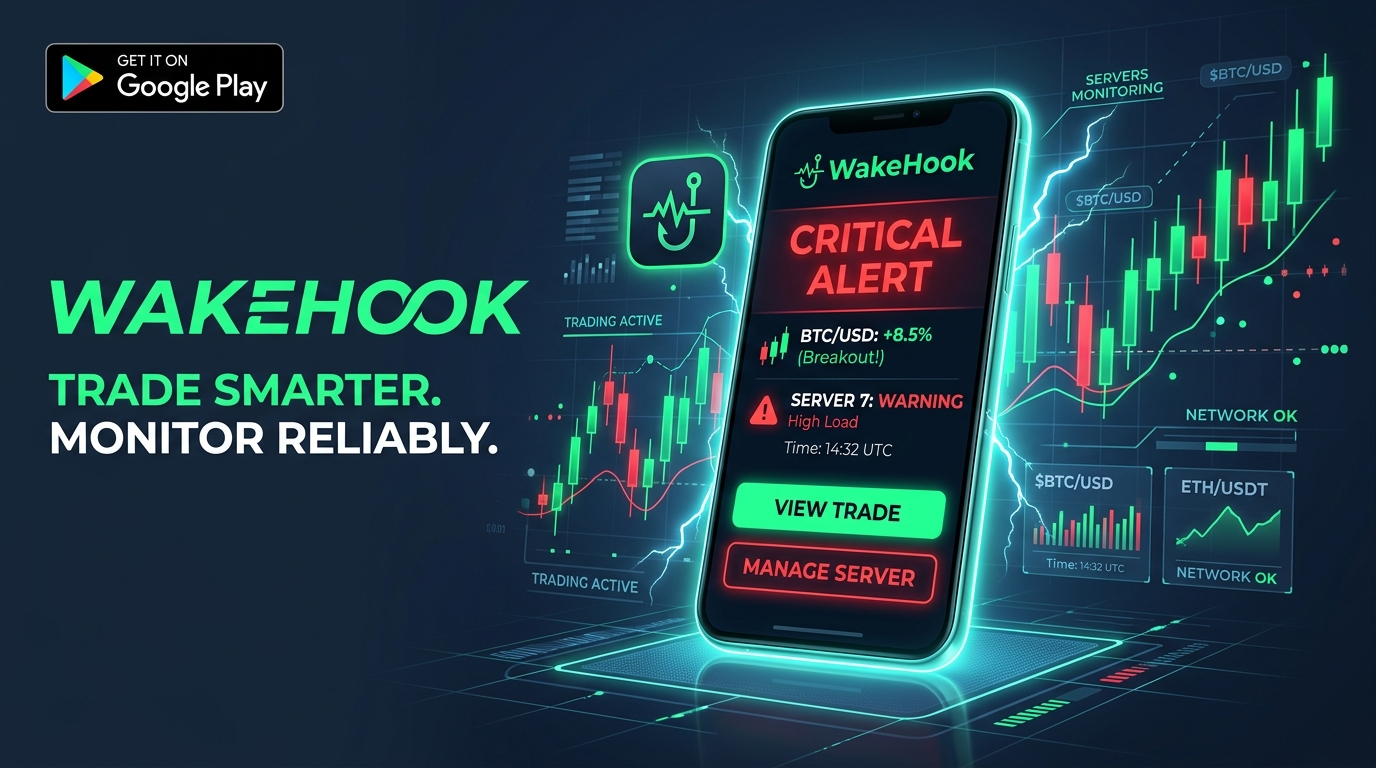
TradingView and server alerts send mild "pings" that are easy to miss when you're asleep or away from your phone.
| Capability | Standard Phone Notification | WakeHook Alarm |
|---|---|---|
| Sound Duration | Single 1-second ping (stops instantly) | Continuous looping alarm until dismissed |
| Do Not Disturb / Sleep Mode | Often silenced or muted completely | Bypasses DND with high-priority audio stream |
| Screen Lock Behavior | Screen stays dark or brief ambient flash | Turns on display & shows over lock screen |
| Voice Details | None — must squint to read small text | Text-to-Speech speaks ticker & price out loud |
| Deep Sleep Reliability | Throttled by Android Doze after 1 hour | Whitelisted immunity for 24/7 responsiveness |
Tailored setup pathways, exact variable syntax, and copyable JSON templates for any platform.
Loud alarms on price breakout lines, indicators (RSI/MACD), and strategy entries.
{
  "ticker": "{{ticker}}",
  "price": "{{close}}",
  "action": "{{strategy.order.action}}",
  "message": "Breakout alert on {{ticker}} at {{close}}!"
}
Enter the Webhook URL from your WakeHook app and trigger a test alert directly from this browser page!
TradingView requires an Essential, Plus, or Premium plan to enable Webhook URLs in alert settings. If your plan supports Webhooks, WakeHook will work seamlessly with zero additional fees.
WakeHook requests Android Full-Screen Intent and WakeLock permissions. When an alert arrives, Android turns on the display, bypasses the lock screen, requests audio focus on the alarm stream, and plays a continuous siren until dismissed.
Yes! By default, WakeHook uses private Cloud Push relaying over encrypted WebSockets, meaning it works anywhere in the world on cellular data and Wi-Fi without needing port forwarding or router configurations.
100%. WakeHook requires no account, tracks no telemetry, and stores no trade secrets. Payloads are processed strictly in-memory on your physical device.